AI Automation for Small Businesses in the USA
Learn which AI automation workflows small U.S. businesses should build first and how to avoid expensive mistakes.
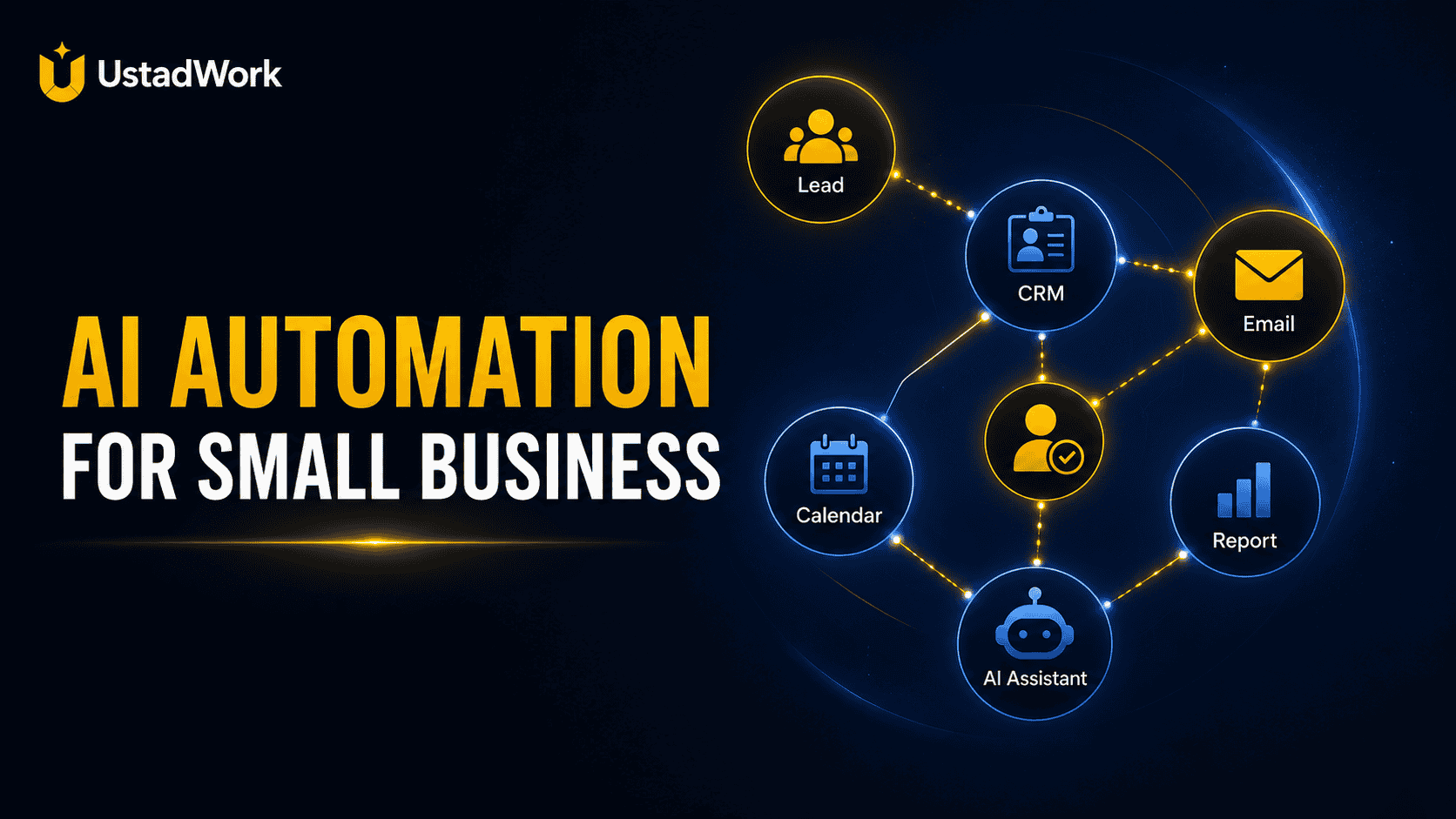
AI Automation for Small Businesses in the USA
AI automation is becoming more practical for small businesses, but the best starting point is not to automate everything. The best starting point is to choose one repetitive workflow that wastes time, creates delays, or causes missed follow-ups.
For a U.S. small business, that workflow may be lead follow-up, appointment reminders, customer support questions, invoice reminders, quote requests, review collection, CRM updates, content repurposing, or admin reporting.
A good ai automation consultant does not begin by recommending random tools. They begin by understanding the business process, the customer journey, the data, and the risk of mistakes. When your workflow is clear, you can post an AI automation project on UstadWork or browse automation services with better expectations.
For a U.S. small business, that workflow may be lead follow-up, appointment reminders, customer support questions, invoice reminders, quote requests, review collection, CRM updates, content repurposing, or admin reporting.
A good ai automation consultant does not begin by recommending random tools. They begin by understanding the business process, the customer journey, the data, and the risk of mistakes. When your workflow is clear, you can post an AI automation project on UstadWork or browse automation services with better expectations.
Quick Answer: What Should Small Businesses Automate First?
Small businesses should start with workflows that are repetitive, easy to define, and safe to review before fully trusting automation. The best first automations are usually not complex AI agents. They are simple systems that save time and reduce missed steps.
Good first automation ideas include:
Lead capture and follow-up: Save new inquiries, tag them, and send a first response or reminder.
Appointment reminders: Send automatic reminders before calls, visits, or consultations.
Customer support triage: Categorise questions and prepare draft replies for common issues.
Quote request processing: Collect requirements, organise details, and notify the right person.
Review requests: Ask happy customers for reviews after delivery.
Admin reporting: Summarise sales, leads, tickets, or tasks into a weekly report.
The right workflow should be easy to explain in one sentence: When this happens, the system should do this, then notify this person.
Good first automation ideas include:
Lead capture and follow-up: Save new inquiries, tag them, and send a first response or reminder.
Appointment reminders: Send automatic reminders before calls, visits, or consultations.
Customer support triage: Categorise questions and prepare draft replies for common issues.
Quote request processing: Collect requirements, organise details, and notify the right person.
Review requests: Ask happy customers for reviews after delivery.
Admin reporting: Summarise sales, leads, tickets, or tasks into a weekly report.
The right workflow should be easy to explain in one sentence: When this happens, the system should do this, then notify this person.
Why AI Automation Projects Fail
Many AI automation projects fail because the business starts with the tool instead of the process. A tool cannot fix a messy workflow if no one has defined what should happen, who approves it, and what counts as a mistake.
Common failure points include:
No clear owner: Nobody knows who checks the automation or approves changes.
Too much too soon: The business tries to automate sales, support, reporting, and operations in one large project.
Poor data quality: Customer names, emails, orders, forms, and notes are inconsistent or incomplete.
No human review: AI sends messages or makes decisions without approval where approval is needed.
Wrong success metric: The business measures tool usage instead of time saved, faster response, fewer missed leads, or better handoff.
Automation should reduce confusion, not create new risks. Start small, test carefully, and improve the workflow after real use.
Common failure points include:
No clear owner: Nobody knows who checks the automation or approves changes.
Too much too soon: The business tries to automate sales, support, reporting, and operations in one large project.
Poor data quality: Customer names, emails, orders, forms, and notes are inconsistent or incomplete.
No human review: AI sends messages or makes decisions without approval where approval is needed.
Wrong success metric: The business measures tool usage instead of time saved, faster response, fewer missed leads, or better handoff.
Automation should reduce confusion, not create new risks. Start small, test carefully, and improve the workflow after real use.
Workflow 1: Lead Capture and Follow-Up
Lead follow-up is one of the most useful automation areas for small businesses because missed inquiries can turn into lost sales. A customer may fill out a form, send a WhatsApp message, request a quote, book a call, or ask a question through a website. If nobody responds quickly, the lead may move to another business.
A simple lead automation can:
Save the inquiry into a sheet, CRM, or database.
Tag the lead by source, service, city, budget, or urgency.
Send a confirmation email or message.
Notify the sales or admin team.
Create a follow-up task if the lead is not answered.
Prepare an AI-drafted response for human approval.
This workflow is useful for agencies, home services, clinics, consultants, ecommerce stores, legal offices, real estate businesses, and local service providers. Keep the first version simple. Do not let AI answer sensitive questions without review.
A simple lead automation can:
Save the inquiry into a sheet, CRM, or database.
Tag the lead by source, service, city, budget, or urgency.
Send a confirmation email or message.
Notify the sales or admin team.
Create a follow-up task if the lead is not answered.
Prepare an AI-drafted response for human approval.
This workflow is useful for agencies, home services, clinics, consultants, ecommerce stores, legal offices, real estate businesses, and local service providers. Keep the first version simple. Do not let AI answer sensitive questions without review.
Workflow 2: Customer Support Triage
Small businesses often receive the same questions again and again. Customers ask about pricing, delivery, refunds, appointment times, product availability, login issues, service areas, or next steps. AI can help sort these questions and prepare draft replies, but it should not replace human judgement in complex cases.
A support triage workflow can:
Read incoming messages or tickets.
Identify the category of the question.
Suggest a reply based on approved answers.
Escalate urgent or sensitive issues to a person.
Tag unresolved cases for follow-up.
Summarise the issue for the support team.
This saves time because the team does not start from zero every time. It also improves consistency because common questions are answered using approved information instead of random replies.
A support triage workflow can:
Read incoming messages or tickets.
Identify the category of the question.
Suggest a reply based on approved answers.
Escalate urgent or sensitive issues to a person.
Tag unresolved cases for follow-up.
Summarise the issue for the support team.
This saves time because the team does not start from zero every time. It also improves consistency because common questions are answered using approved information instead of random replies.
Workflow 3: Appointment and Meeting Automation
Businesses that depend on appointments can lose time when customers forget calls, miss visits, or need manual reminders. Automation can help keep bookings organised and reduce repeated admin work.
An appointment workflow can:
Send confirmation messages after booking.
Send reminders before the appointment.
Collect required information before the call.
Update the calendar or CRM.
Send a follow-up message after the meeting.
Create a task if the customer does not respond.
This is useful for consultants, clinics, coaches, service providers, agencies, repair businesses, and local appointment-based businesses. Add human review when the message involves pricing, legal, medical, financial, or sensitive business advice.
An appointment workflow can:
Send confirmation messages after booking.
Send reminders before the appointment.
Collect required information before the call.
Update the calendar or CRM.
Send a follow-up message after the meeting.
Create a task if the customer does not respond.
This is useful for consultants, clinics, coaches, service providers, agencies, repair businesses, and local appointment-based businesses. Add human review when the message involves pricing, legal, medical, financial, or sensitive business advice.
Workflow 4: Quote Request Automation
Quote requests often become messy because clients send incomplete information. A website visitor may ask for a price without sharing project scope, deadline, examples, location, budget, or required deliverables. Automation can collect and organise this information before a human prepares the quote.
A quote workflow can:
Ask follow-up questions through a form or guided message.
Collect budget, deadline, service type, and files.
Summarise the request for the business owner.
Route the request to the right team member.
Create a draft proposal or checklist.
Set a reminder if no quote is sent.
This workflow works well for freelancers, agencies, contractors, ecommerce service providers, B2B companies, and local service businesses. It improves speed without forcing AI to make final pricing decisions alone.
A quote workflow can:
Ask follow-up questions through a form or guided message.
Collect budget, deadline, service type, and files.
Summarise the request for the business owner.
Route the request to the right team member.
Create a draft proposal or checklist.
Set a reminder if no quote is sent.
This workflow works well for freelancers, agencies, contractors, ecommerce service providers, B2B companies, and local service businesses. It improves speed without forcing AI to make final pricing decisions alone.
Workflow 5: Review and Referral Requests
Many small businesses forget to ask satisfied customers for reviews or referrals. Automation can help by sending the right message after a project, delivery, appointment, or purchase is complete.
A review workflow can:
Trigger after a project is marked complete.
Send a polite review request.
Ask for feedback before requesting a public review if the customer had an issue.
Notify the team when a positive response arrives.
Add the customer to a referral follow-up list.
Track who has already been contacted.
This should be done carefully. Do not pressure customers, send too many messages, or create fake reviews. The goal is to make follow-up consistent and respectful.
A review workflow can:
Trigger after a project is marked complete.
Send a polite review request.
Ask for feedback before requesting a public review if the customer had an issue.
Notify the team when a positive response arrives.
Add the customer to a referral follow-up list.
Track who has already been contacted.
This should be done carefully. Do not pressure customers, send too many messages, or create fake reviews. The goal is to make follow-up consistent and respectful.
Workflow 6: Weekly Business Reporting
A simple weekly report can help business owners understand what happened without checking five different tools. AI can summarise leads, orders, tickets, website forms, tasks, or marketing activity into a short report.
A reporting workflow can include:
New leads received.
Leads followed up.
Orders, bookings, or completed tasks.
Open issues or customer complaints.
Missed follow-ups.
Top questions customers asked.
Recommended next actions.
This workflow is useful because it gives the owner visibility without building a complex dashboard from day one. Start with a plain weekly email or spreadsheet summary before investing in advanced reporting.
A reporting workflow can include:
New leads received.
Leads followed up.
Orders, bookings, or completed tasks.
Open issues or customer complaints.
Missed follow-ups.
Top questions customers asked.
Recommended next actions.
This workflow is useful because it gives the owner visibility without building a complex dashboard from day one. Start with a plain weekly email or spreadsheet summary before investing in advanced reporting.
Simple AI Automation Tech Stack
A small business automation stack should be simple enough to maintain. You do not need a complicated system before the workflow is proven.
A practical setup may include:
Input: Website forms, emails, chat messages, calendar bookings, order forms, or spreadsheets.
Workflow tool: Automation platforms that connect apps and move data between steps.
AI layer: Draft replies, classify messages, summarise requests, or generate structured notes.
Data storage: CRM, spreadsheet, database, ticket system, or project tool.
Human review: Approval step before sensitive messages or decisions go out.
Notification: Email, Slack, dashboard, or task reminder.
The best tool stack depends on your current tools, budget, volume, and risk level. Do not rebuild everything if your existing tools can support the first workflow.
A practical setup may include:
Input: Website forms, emails, chat messages, calendar bookings, order forms, or spreadsheets.
Workflow tool: Automation platforms that connect apps and move data between steps.
AI layer: Draft replies, classify messages, summarise requests, or generate structured notes.
Data storage: CRM, spreadsheet, database, ticket system, or project tool.
Human review: Approval step before sensitive messages or decisions go out.
Notification: Email, Slack, dashboard, or task reminder.
The best tool stack depends on your current tools, budget, volume, and risk level. Do not rebuild everything if your existing tools can support the first workflow.
What an AI Automation Consultant Should Check First
Before building anything, an automation specialist should understand the process, business risk, data sources, and success metric. A useful discovery session should not be only a tool demo.
They should ask:
Which workflow wastes the most time?
What triggers the workflow?
What should happen step by step?
Which tools are already used?
Who reviews or approves the output?
What mistakes would be expensive or risky?
What data is available and where is it stored?
How will success be measured?
If the consultant cannot explain the workflow in simple language, the project is not ready for build.
They should ask:
Which workflow wastes the most time?
What triggers the workflow?
What should happen step by step?
Which tools are already used?
Who reviews or approves the output?
What mistakes would be expensive or risky?
What data is available and where is it stored?
How will success be measured?
If the consultant cannot explain the workflow in simple language, the project is not ready for build.
AI Automation Project Brief Template
Business Type:
Describe what your business does and who your customers are.
Workflow To Automate:
Write the exact workflow you want to improve.
Trigger:
What starts the workflow? Example: form submission, email, order, booking, message, or spreadsheet update.
Current Process:
Explain how the work is handled manually today.
Desired Output:
What should the automation create, update, send, or summarise?
Tools Used:
List your website, CRM, email platform, calendar, sheets, chat, ecommerce tool, or project management system.
Human Review:
State which steps need approval before action is taken.
Success Metric:
Time saved, faster response, fewer missed leads, better reporting, lower manual work, or cleaner handoff.
Budget and Timeline:
Share whether you want a small pilot, full workflow build, or monthly support.
Describe what your business does and who your customers are.
Workflow To Automate:
Write the exact workflow you want to improve.
Trigger:
What starts the workflow? Example: form submission, email, order, booking, message, or spreadsheet update.
Current Process:
Explain how the work is handled manually today.
Desired Output:
What should the automation create, update, send, or summarise?
Tools Used:
List your website, CRM, email platform, calendar, sheets, chat, ecommerce tool, or project management system.
Human Review:
State which steps need approval before action is taken.
Success Metric:
Time saved, faster response, fewer missed leads, better reporting, lower manual work, or cleaner handoff.
Budget and Timeline:
Share whether you want a small pilot, full workflow build, or monthly support.
Implementation Cost and Risk: Start With a Pilot
The safest way to begin is with one pilot workflow. A pilot helps you test the process, fix weak steps, and learn what the business actually needs before investing in a larger automation system.
A small pilot may include one trigger, one automation path, one AI step, one human review point, and one success metric. For example: website quote request → AI summary → CRM entry → team notification → follow-up reminder.
A larger project may involve multiple tools, custom logic, reporting, approvals, security checks, and ongoing optimisation. That can be useful, but it should come after the first workflow proves value.
Do not judge automation only by setup cost. Consider maintenance, tool subscriptions, staff training, data quality, and the cost of mistakes. A cheap automation that sends the wrong message can create more damage than manual work.
A small pilot may include one trigger, one automation path, one AI step, one human review point, and one success metric. For example: website quote request → AI summary → CRM entry → team notification → follow-up reminder.
A larger project may involve multiple tools, custom logic, reporting, approvals, security checks, and ongoing optimisation. That can be useful, but it should come after the first workflow proves value.
Do not judge automation only by setup cost. Consider maintenance, tool subscriptions, staff training, data quality, and the cost of mistakes. A cheap automation that sends the wrong message can create more damage than manual work.
When To Hire Help Instead of Building It Yourself
A business owner can often start with simple templates and basic automations. But professional help becomes useful when the workflow touches customers, money, sensitive information, multiple tools, or important business operations.
Hire help when:
The workflow involves multiple apps or custom logic.
Customer messages need careful approval rules.
You need CRM, email, calendar, ecommerce, or database integration.
You want reporting and error tracking.
You need documentation and handoff.
You do not know how to test failure cases.
The automation will affect sales, support, bookings, or payments.
When ready, post an AI automation project, browse automation specialists, or read the UstadWork FAQ before hiring.
Hire help when:
The workflow involves multiple apps or custom logic.
Customer messages need careful approval rules.
You need CRM, email, calendar, ecommerce, or database integration.
You want reporting and error tracking.
You need documentation and handoff.
You do not know how to test failure cases.
The automation will affect sales, support, bookings, or payments.
When ready, post an AI automation project, browse automation specialists, or read the UstadWork FAQ before hiring.
AI Automation Checklist for Small Businesses
Use this checklist before starting:
Choose one workflow to automate first.
Write the trigger and desired output.
Map the current manual process.
List the tools and data sources involved.
Decide which steps need human approval.
Define the success metric.
Start with a pilot workflow.
Test with real examples before going live.
Create an error-handling plan.
Document the workflow and who owns it.
Review performance after one to two weeks.
A good automation is not the one with the most tools. It is the one that reliably saves time, reduces missed work, and supports the business without creating unnecessary risk.
Choose one workflow to automate first.
Write the trigger and desired output.
Map the current manual process.
List the tools and data sources involved.
Decide which steps need human approval.
Define the success metric.
Start with a pilot workflow.
Test with real examples before going live.
Create an error-handling plan.
Document the workflow and who owns it.
Review performance after one to two weeks.
A good automation is not the one with the most tools. It is the one that reliably saves time, reduces missed work, and supports the business without creating unnecessary risk.
Build Automation That Helps the Business, Not Just the Tool Stack
AI automation works best when it supports a real business process. Start with one repeated workflow, define the output, add human review where needed, and measure whether the automation actually saves time or improves follow-up.
The goal is not to replace every human step. The goal is to remove repetitive work so people can spend more time on judgement, customer relationships, sales, and service quality.
Ready to plan your first workflow? Post an automation project on UstadWork, explore AI automation services, or review the UstadWork FAQ before getting started.
The goal is not to replace every human step. The goal is to remove repetitive work so people can spend more time on judgement, customer relationships, sales, and service quality.
Ready to plan your first workflow? Post an automation project on UstadWork, explore AI automation services, or review the UstadWork FAQ before getting started.
Frequently asked questions
What is AI automation for small businesses?
AI automation uses software and AI tools to handle repetitive business workflows such as lead follow-up, customer support triage, appointment reminders, quote requests, review requests, and reporting.
What should a small business automate first?
Start with one repetitive workflow that is easy to define and safe to review, such as lead capture, appointment reminders, customer support triage, or weekly reporting.
Do small businesses need an AI automation consultant?
A consultant is useful when the workflow involves multiple tools, customer communication, sensitive data, approvals, reporting, or business-critical operations.
Can AI automation replace employees?
For most small businesses, AI automation should support employees rather than replace them. It can reduce repetitive work while humans still handle judgement, customer relationships, approvals, and exceptions.
What tools are needed for AI automation?
The tool stack depends on the workflow. It may include website forms, email, CRM, spreadsheets, calendar tools, automation platforms, AI models, notification tools, and human approval steps.
How do I reduce risk in an AI automation project?
Start with a small pilot, define the success metric, test with real examples, keep human review for sensitive steps, document the workflow, and monitor errors after launch.